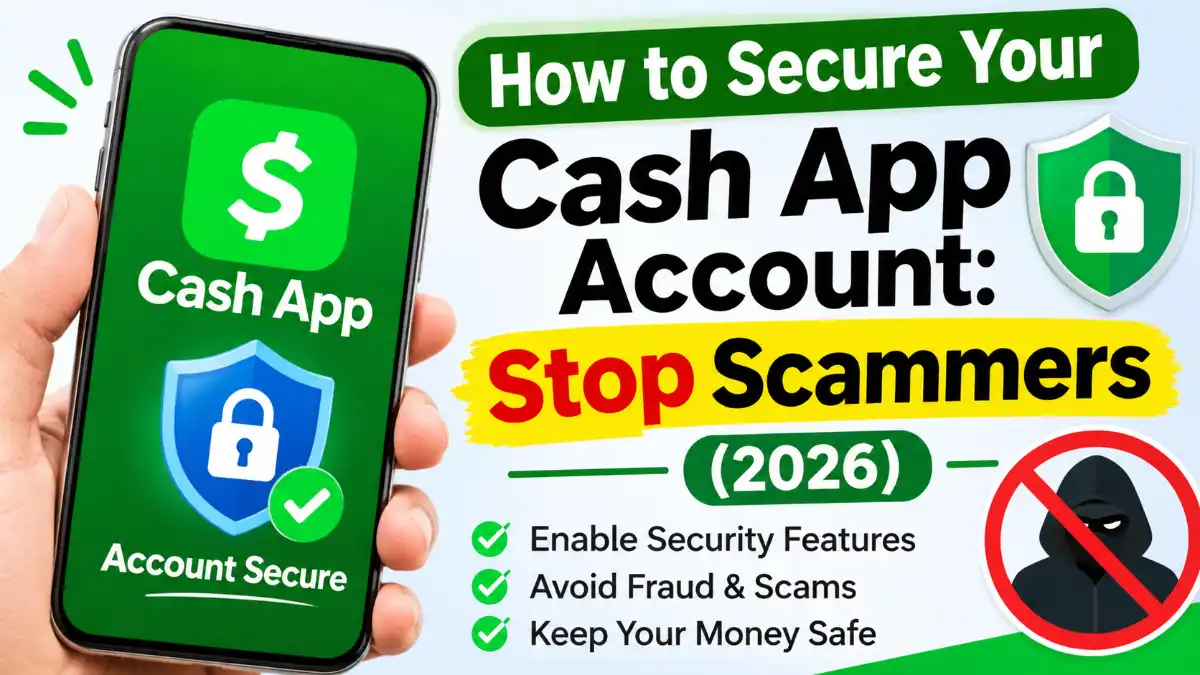
How to Secure Your Cash App Account: Stop Scammers (2026)
You likely use Cash App for almost everything, whether it’s splitting a dinner bill, paying back a friend, or making a purchase from a local shop. However, because it involves real money, it becomes a prime target for scammers and hackers.
If you have seen news about data leaks or heard about people losing money to scams, you might be wondering whether your own money is truly safe. The good news is that you can strengthen the security of your account right now and you don’t need to be a tech expert to do it. Here is a simple, step-by-step guide to securing your Cash App account and keeping your money completely safe.
How to Secure Your Cash App Account: Simple Steps to Keep Your Money Safe
Cash App is very convenient for sending money to friends, making small purchases, and receiving funds. However, because transactions happen so quickly, it is essential to protect your account against scams, phone theft, and unauthorized payments.
Here is the ways to keep your Cash App account secure, teaches you how to identify common scams, and outlines the immediate steps to take if you suspect that someone else has gained access to your account.
Method 1: Turn on the “Security Lock” (The App’s Real 2FA)
Many people look for a “two-factor authentication” button in Cash App, and when they cannot find it, they become frustrated. Cash App does not use traditional text-message-based 2FA for its mobile app.
Instead, it uses a feature called ‘Security Lock’. This acts as your primary layer of security, requiring anyone to enter a PIN or use your face/fingerprint before opening the app.
How to set it up:
- Open Cash App and tap your Profile Icon (the little person in the top right corner).
- Scroll down and tap Security (or Privacy & Security).
- Tap Security Lock.
- Choose what you want to protect. For the best protection, turn on both Opening Cash App and Sending Payments.
- Create a 4-digit Security Code. Make sure this is a unique number you do not use to unlock your actual phone.
- If your phone supports it, turn on Face ID or Touch ID. This makes it fast for you, but impossible for a thief to bypass.
2: Secure Your Email (The Step Most People Miss)
When you log in to Cash App on a new phone or computer, the app sends a one-time sign-in code directly to your email. If a hacker discovers your email password, they could obtain that code and gain control of your Cash App account.
Note: Cash App advises users to secure the email linked to their account by changing the password and turning on two-factor authentication.
What you need to do today:
- Open your email app (Gmail, Yahoo, Outlook, etc.) on a web browser.
- Go to your account security settings.
- Turn on Two-Step Verification or 2FA.
- Set it up so that a code is sent to your phone number. Now, even if someone manages to steal your email password, they still won’t be able to access your account without your phone.
Therefore, Cash App will not call, text, or email you asking for a verification code. Anyone who asks for it is likely trying to take over your account.
Step 3: Kick Out “Ghost” Devices
Have you ever logged into Cash App on an old tablet? Or perhaps you’ve logged in on a friend’s phone to send them money quickly? Those devices might still have active access to your account. You need to kick them out.
How to clean up your devices:
- Tap your Profile Icon in Cash App.
- Scroll down to Your Devices.
- Look at the list carefully. If you see an old iPhone of yours that you have already sold, or a device you don’t recognize, tap on it.
- Hit Log out device. Do this for every device you do not currently hold in your hand.
Step 4: Hide Your Virtual Card Details
If you use the digital version of your Cash App card for online purchases, your card number, CVV, and expiry date are saved within the app itself. If someone gains access to your unlocked phone, they could view these details and make purchases.
How to hide them:
- Tap the Card Tab (the square icon) at the bottom of your screen.
- Tap on your card image.
- Turn off the switch for Show Cash App Card Info.
- Bonus tip: If you ever lose your phone, come back to this exact screen and turn off Enable Card. This instantly freezes your card so no one can use it.
The Biggest Threat Isn’t a Hacker (It’s a Scammer)
While it is a good idea to set up these technical features, the primary reason people lose money on Cash App is human error. The app itself is very secure, but scammers will try to trick you into granting them access to it.
Follow these three golden rules to stay safe:
- Never share your sign-in code: When you log in, Cash App will send a code to you via text or email. Cash App Support will never ask you for this code. If someone calls you claiming to be from Cash App and asks for the code, hang up immediately. They are a scammer.
- Ignore “giveaway” scams: If someone on Instagram, TikTok, or Twitter promises to double your money in exchange for a “verification fee,” it is a lie. Block them and move on.
- Do not click random links: Cash App will only ever send you emails from @cash.app, @square.com, or @squareup.com addresses. If you receive an email from an unfamiliar Gmail account claiming that your account has been locked, do not click on any links.
What to Do If Your Account Is Compromised
If you think someone has accessed your Cash App account, take these steps right away:
- Turn on Security Lock.
- Change your Cash App PIN.
- Change the password for the email linked to Cash App.
- Turn on two-factor authentication for that email.
- Log out of all other devices.
- Lock your Cash App Card if needed.
- Review your Activity and report unfamiliar transactions through the app.
Do not share screenshots of your balance, card details, or verification codes with anyone claiming to be from the support team. Instead, use the help options provided within Cash App.
Conclusion
You don’t need any special software or paid services to keep your Cash App account secure. By enabling a security lock, keeping your linked email account secure, and staying alert to phishing scams, you can protect your account from malicious actors. Take five minutes now to follow these steps; your hard-earned money is worth it.
Did you find this guide helpful? Share it with friends and family who use Cash App so they can keep their accounts secure, too.